Troubleshooting
The vinyl cutter is hammering
No idea why this happens.
My leading idea is that 'something is getting too warm after a lot of printing'.
Reasons that are not a cause:
- Type of connection (i.e. COM versus USB)
- Printer memory full (i.e. turning the printer off and on does not fix the problem)
- Computer memory full (i.e. turning the connected computer off and on does not fix the problem)
The vinyl cutter is wrinkling the paper
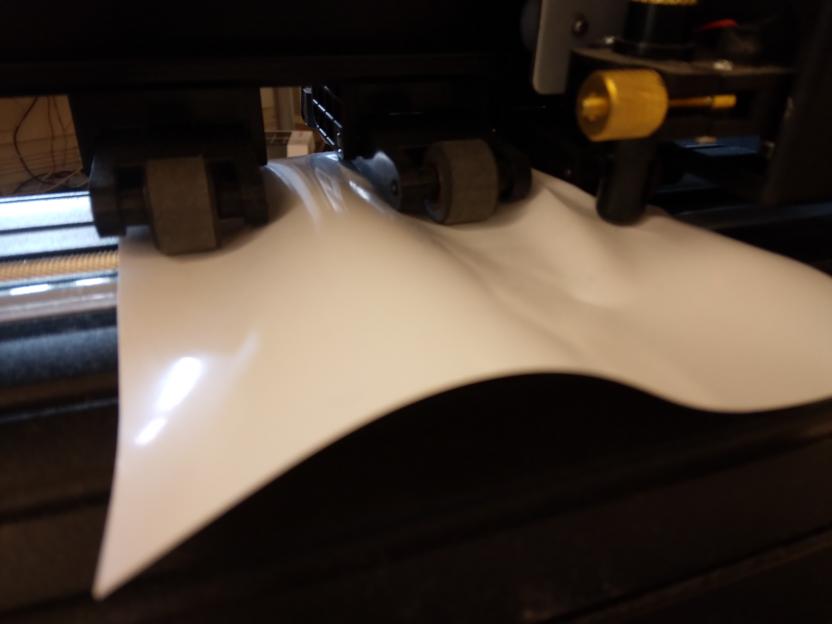
The vinyl cutter is wrinkling the paper.
This happens when at least one wheel of the two movable heads is not on a roller at the bottom:
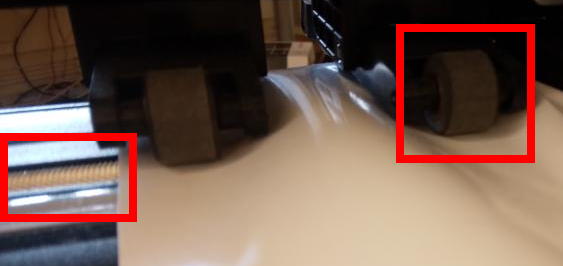
The right wheel (right rectangle) is not on the roller (partially shown and indicated by the left rectangle)
The vinyl cutter is confused
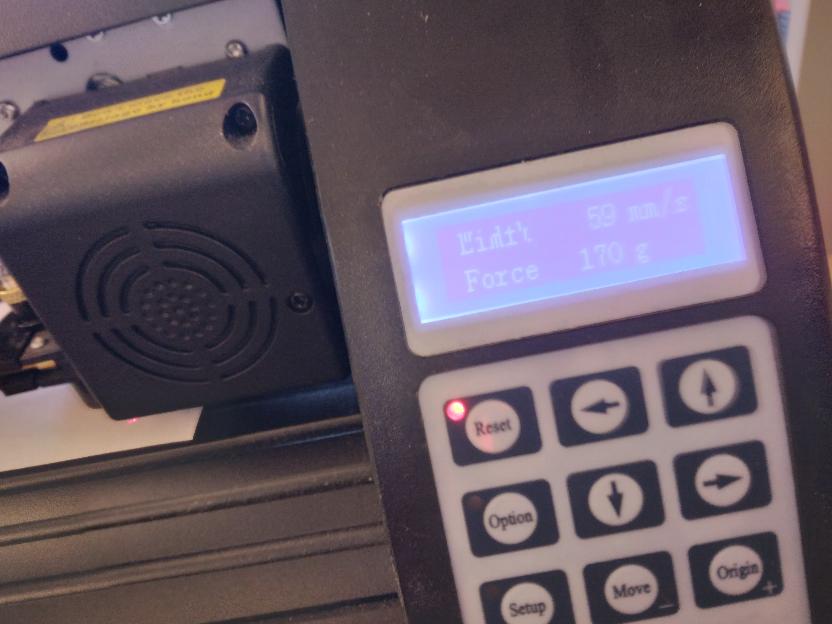
This may happen when you send multiple prints at the same time. Press reset, close Inkcut, press reset, start Inkcut and try again
The cut does not follow the image
| Example | Correct | Incorrect |
|---|---|---|
| Circle |  |
 |
| Lines | 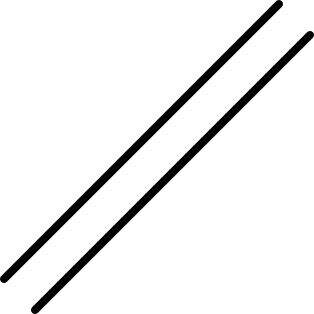 |
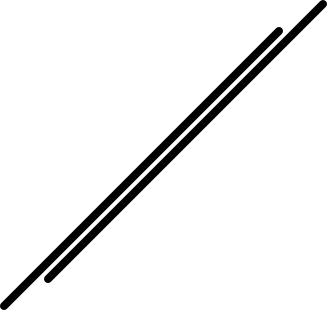 |
This happens when you have three roller wheels connected to the vinyl, instead of just two.
Disconnect the middle weel from the vinyl.
The cut does not cut
| Example | Correct | Incorrect |
|---|---|---|
| Circle | |
 |
| Lines | |
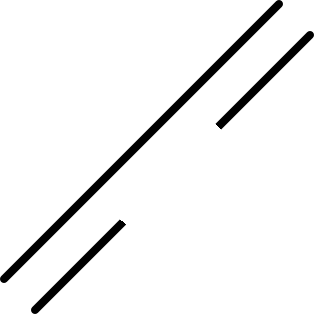 |
This happens when the force of the knife is too low.. In step 6: setup the vinyl cutter, increase the force.